WorkshopDocu
Document jobs with photos and video, linked to order and job numbers.
How it works
- Choose a mode and folder, enter the order and job number, and take a photo or video.
- Material is queued and uploaded, even on a weak connection.
- Files go to your organization's own file server, or to OneDrive and Teams in Microsoft 365.
- The file server mode is intended for internal use on the organization's own network only.
- Files can also be downloaded from OneDrive or Teams in Microsoft 365 to the phone, in the Downloads folder under WorkshopDocu.
- WorkshopDocu does not store anything on the developer's servers.
Languages
Swedish, English, Finnish, Polish, Lithuanian, Estonian, Norwegian, Danish, French, German, Russian, Chinese, Turkish, Persian, Arabic, Kurdish (Kurmanji), Bosnian, Serbian and Croatian.
Screens
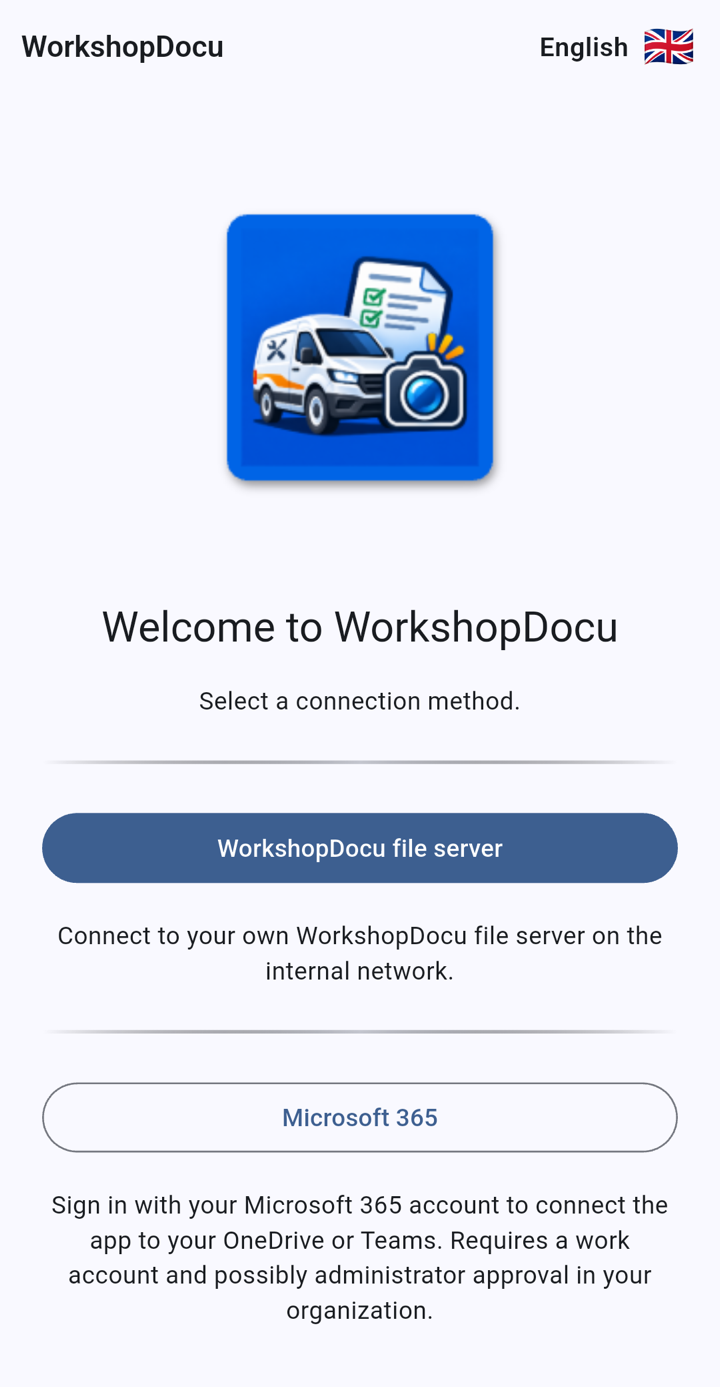
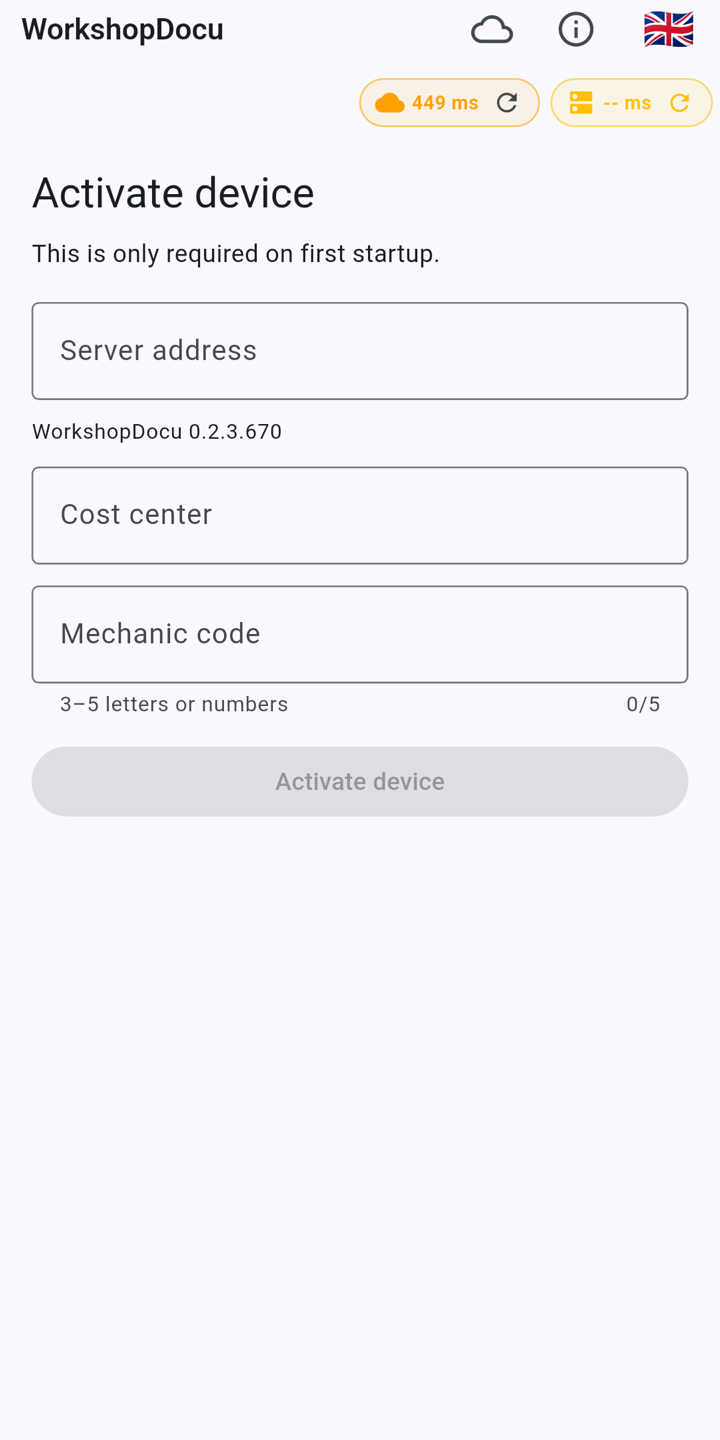
The app requires an organization with a WorkshopDocu server, or a Microsoft 365 work account.